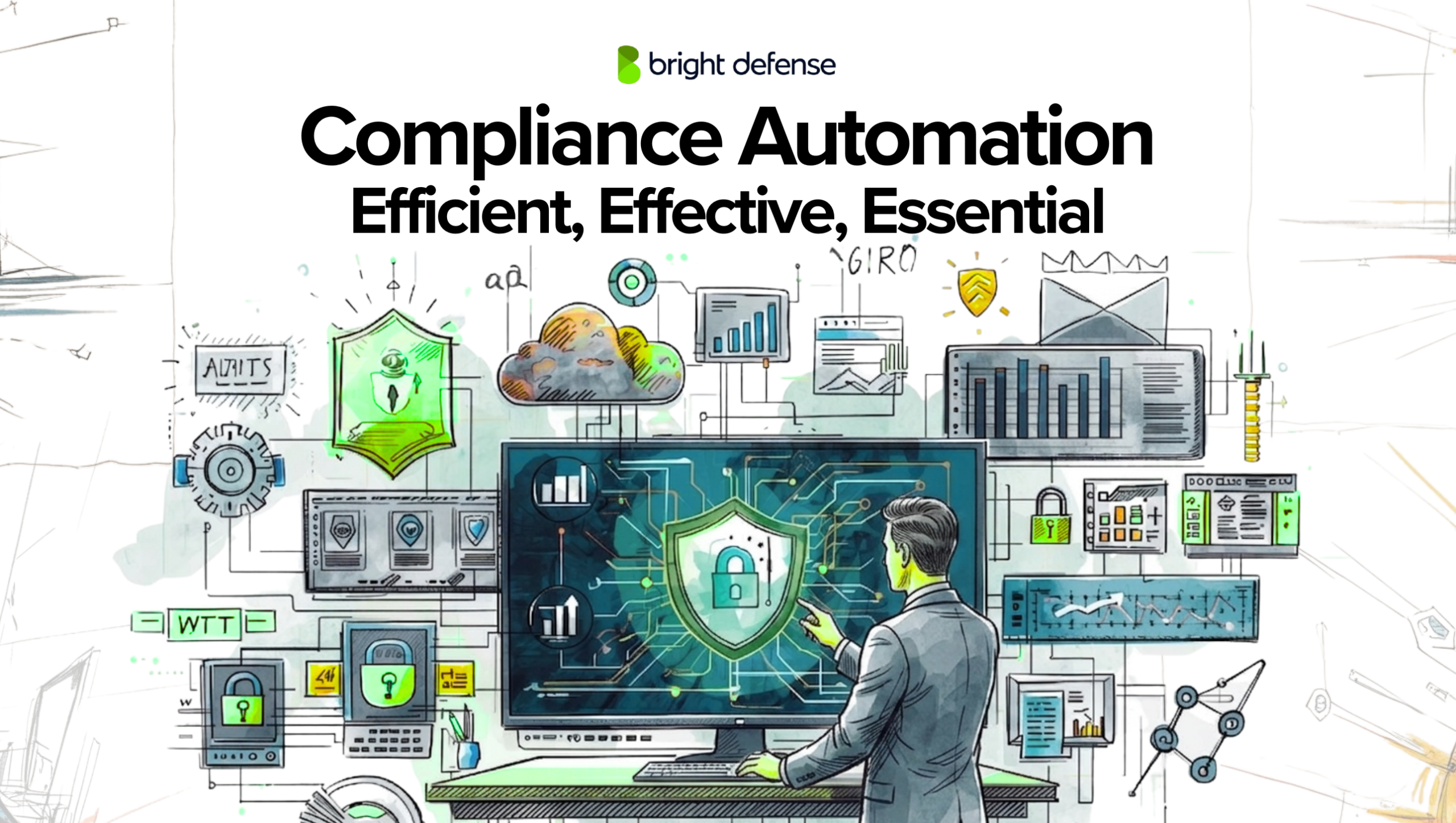
Compliance Automation: Efficient, Effective, Essential
Updated:
October 26, 2026
Compliance is an increasingly important facet of cybersecurity. 91% of companies plan to implement continuous compliance in the next five years. Key drivers for the compliance market include mounting threats from bad actors, changing regulations, and pressure from customers and investors. With an array of frameworks such as SOC 2, HIPAA, NIST, ISO 27001, and CMMC, organizations are increasingly held to stringent standards to safeguard sensitive information. Compliance automation is emerging as a critical tool to help organizations streamline the process.
This article focuses on the benefits of compliance automation. We’ll touch on some of the major vendors in the space, as well as how you can get the most from your chosen compliance automation tool. Let’s get started!
What Are the Challenges of Manual Compliance?
Manual compliance relies on employees to collect records, check requirements, and follow up on unfinished work. The following four challenges explain how that workload can increase costs, introduce mistakes, and leave gaps as a business grows.
1. Repeated Evidence Collection Takes Time Away From Other Work
Preparing for an assessment often means asking several departments for records. IT exports user accounts, HR supplies training records, and department managers confirm who approved access. Someone then checks whether those records cover the right systems and dates.
When requests arrive through separate emails and spreadsheets, employees may collect the same evidence more than once. An IT administrator who repeatedly exports account information has fewer hours available for maintenance or support.
For example, if three assessment teams independently request the same training records, HR repeats work that a shared evidence location could prevent. The cost includes the time spent collecting, checking, and chasing each submission.
2. Manual Updates Can Leave Incorrect or Outdated Records
A spreadsheet only reflects the information someone enters. If an employee leaves and nobody updates the access review sheet, the record may still show that person as an authorized user.
Copying information between files creates further opportunities for mistakes. A reviewer might use an old account export, overwrite a finding, or mark a task complete before the supporting evidence arrives.
Those errors matter because the team uses the records to decide what needs attention. An incorrectly completed task can hide unfinished work until someone checks the underlying system or an assessor requests proof.
3. Requirement Changes Create Work Across Multiple Documents
When an applicable requirement changes, someone needs to determine what it means for the business. The change may affect a policy, a system setting, an employee procedure, and the evidence needed for assessment.
In a manual process, those connections may sit in separate files owned by different people. Updating the policy does not automatically update the implementation task or tell the system administrator what to change.
For example, a revised customer contract might require more frequent access reviews. The team must update the review schedule, notify managers, and retain evidence from the additional reviews. Missing one of those steps leaves the new commitment only partly implemented.
4. More Systems and Employees Multiply the Checks
A small team using a few applications may manage access reviews in a spreadsheet. As the business adds employees and applications, reviewers have more accounts, permissions, and approvals to examine.
Each new application can require a separate export, a different owner, and another round of follow-up. Adding a second compliance framework can create duplicate requests when teams do not recognize which existing records support both assessments.
The workload grows faster when these tasks remain disconnected. Reviews take longer, overdue items accumulate, and employees spend more time coordinating submissions. A growing program needs clear ownership, shared evidence, and reliable tracking to keep that work manageable.
The Rise of Compliance Automation: Key Statistics
The following 2025 survey figures show how businesses use technology across compliance activities and where they see practical benefits.
1. 82% Plan to Increase Investment in Compliance Technology
Among surveyed companies, 82% plan to invest more in at least one technology that automates or improves compliance activities.
For a compliance team, a useful starting point is a recurring task such as collecting account records. Connecting the source system can reduce repeated exports and follow-up requests.
2. 49% Use Technology Across at Least 11 Compliance Activities
Nearly half of respondents use technology for 11 or more compliance activities. These applications extend across training, risk assessment, monitoring, and reporting.
The practical opportunity is to connect related work. Training completion records, for example, can feed an assessment dashboard without HR preparing another spreadsheet.
3. 53% See Faster Identification and Response to Compliance Issues
53% of respondents identify faster detection and response as a benefit of their technology investment.
An automated check can flag a missing safeguard when it runs. Faster resolution then depends on sending that finding to someone responsible for investigating, correcting, and verifying it.

What Are the Benefits of Compliance Automation?
Compliance automation reduces repeated evidence collection, helps teams detect missing safeguards, and keeps compliance tasks organized as a business grows. The following six benefits explain how those improvements happen in daily work.
1. Spend Less Time Collecting the Same Evidence
Preparing for an assessment often requires employees to export account records, locate training results, and gather device settings. When another reviewer requests the same information, the team may repeat the collection process.
An automation platform can retrieve supported records from connected systems and keep them in a shared location. For example, an HR integration can supply training completion records without someone rebuilding a spreadsheet for each request.
Employees still review whether the records cover the assessment’s requirements. The time saved comes from reducing repeated exports, file searches, and follow-up emails.
2. Reduce Errors Caused by Manual Data Entry
Copying information between spreadsheets creates opportunities to omit an employee, overwrite a result, or use an outdated record. These mistakes can leave reviewers with an inaccurate picture of completed work.
Automated collection pulls information directly from connected systems, reducing the number of times employees handle the same data. A configured check can then apply the same rule across the accounts or devices it covers.
For example, comparing training records with the current employee roster can flag people who have not completed training. Someone still needs to investigate mismatched names, missing records, and connection failures.
3. Handle Growth With Less Repeated Administration
Adding employees and applications increases the number of accounts, devices, and records a compliance team must review. In a manual process, each addition can create another spreadsheet entry and another reminder to send.
Automation can bring new employees or devices from supported integrations into existing workflows. A new hire can receive the relevant training assignment, while the platform tracks completion and sends reminders.
This reduces the administrative work attached to each addition. New applications still need configuration and coverage checks before the team can rely on automated collection.
4. Detect Missing Safeguards Between Assessments
A security setting can change after an assessment ends. If nobody checks it again until the next review, the problem may remain unnoticed for months.
Automated monitoring checks supported settings on a defined schedule or when events occur. For example, a check might detect that multifactor authentication has been disabled for an account and notify its owner.
That notification gives the team an earlier opportunity to investigate and restore protection. Detection speed depends on the integration and checking frequency, while resolution depends on someone acting on the finding.
5. Lower the Cost of Repetitive Compliance Work
Automation can reduce the employee hours spent gathering evidence, sending reminders, and updating task status. Whether it lowers total costs depends on how much work it removes and what the platform costs to operate.
In an illustrative calculation, saving 10 hours each month at a loaded employee rate of $60 per hour releases $7,200 in annual labor capacity. If software and ongoing administration cost $5,000 annually, the recurring benefit is $2,200 before setup costs.
Released time gives employees capacity for other work. It becomes a cash saving when it reduces expenses such as overtime or contractor hours.
6. Track the Work Created by Changing Requirements
A changed requirement may affect several policies, system settings, and evidence requests. When those items sit in separate files, teams can update one and overlook the others.
A platform with requirement-to-control mapping connects each requirement to the safeguards and tasks supporting it. When a relevant update becomes available, the team can identify affected work, assign owners, and track completion.
For example, a revised review frequency may require new recurring tasks and additional evidence collection. The platform helps coordinate those changes; the compliance team determines applicability and verifies that the revised process meets the requirement.

The Benefits of Compliance Automation Consulting
Compliance automation software delivers meaningful efficiencies in the compliance process. Compliance is still a complicated and time-consuming task, however. While organizations may possess the basic skills required to manage compliance tasks, they often encounter limitations regarding specialized knowledge, experience, and resource availability.
Internal teams might struggle with the complexities of various cybersecurity frameworks, the nuances of selecting the right automation tools, and the intricacies of integrating these tools effectively into existing systems. Additionally, keeping up with the rapid pace of regulatory changes and technological advancements can be overwhelming for internal staff with other responsibilities. This can lead to a suboptimal implementation of compliance automation, potentially increasing risks and costs in the long run.
Bright Defense delivers continuous compliance services. Many of our clients benefit from consulting services and compliance automation tools. Some of our clients purchased compliance automation software but are not making the progress they would like. Let’s explore some of the reasons why consulting services could be advantageous for your organization.
Expert Guidance and Specialized Knowledge
Consultants bring specialized knowledge and experience in cybersecurity compliance, offering expert guidance tailored to your industry and specific needs. They can navigate the complexities of frameworks like SOC 2, HIPAA, NIST, and others. They are well-versed in evaluating and selecting the most suitable automation tools, ensuring a perfect fit for your organization’s unique requirements.
Beyond just tool implementation, consultants can educate your staff on compliance automation’s technical and strategic aspects. This training ensures that your team knows how to use the tools and understands their role in the broader compliance landscape.
Adaptability to Changing Regulations and Technologies
Compliance regulations and technologies evolve continually. In some industries, like healthcare, finance, and defense, compliance violations can be met with significant fines. HIPAA regulations call for fines that range over $2 million dollars for failure to follow required security practices.
Consultants stay abreast of these changes and can assist your organization in adapting its compliance strategies accordingly, ensuring your organization stays compliant.
Cost-Effectiveness in the Long Run
While hiring a consultant involves an upfront investment, it can be more cost-effective over time. They help avoid costly compliance mistakes and ensure efficient use of resources, resulting in long-term savings and a higher return on investment.
In conclusion, while internal resources may provide a starting point for compliance automation, the complexities and demands of effective implementation often necessitate the expertise of a specialized consultant. Their involvement can be the key to a successful, efficient, and adaptable compliance automation strategy, providing long-term benefits to the organization.

Bright Defense Delivers Compliance Automation
Bright Defense’s mission is to protect the world from cybersecurity threats through continuous compliance. Our monthly engagement model delivers a robust cybersecurity compliance program that allows you to meet frameworks including SOC 2, HIPAA, CMMC, NIST, and ISO 27001. Our service includes compliance automation software that allows you to automate compliance and continuously monitor your compliance status.
If you are exploring a compliance automation platform, contact us today! We welcome the opportunity to partner with you.
Frequently Asked Questions
What is a Compliance Automation Tool?
A compliance automation tool is a software solution designed to automate key aspects of an organization’s compliance process. These tools help in managing and monitoring compliance with various regulations and standards, reducing the manual effort required for maintaining compliance. They are essential for ensuring consistent application of compliance procedures and streamlining compliance-related tasks.
How Do Compliance Procedures Benefit from Automation?
Compliance procedures benefit significantly from automation by increasing efficiency, accuracy, and consistency. Automation reduces the time and resources spent on manual processes, minimizes the risk of human error, and ensures that compliance activities are performed in a standardized and repeatable manner. This leads to more reliable and effective compliance management.
What Are the Steps in the Compliance Process That Can Be Automated?
Key steps in the compliance process that can be automated include data collection, risk assessment, compliance controls monitoring, generating reports, and sending security alerts. Automating these steps ensures timely and accurate compliance activities, aiding in maintaining continuous compliance with the relevant compliance framework.
What Role Does Risk Management Play in Compliance Automation?
Risk management is a core component of compliance automation. Automated tools assist in identifying, assessing, and prioritizing risks, ensuring that the organization’s risk management efforts are aligned with its compliance objectives. This integration allows for a more strategic and data-driven approach to managing both compliance and security risks.
Add Bright Defense as a Preferred Source on Google